
Vocal Remover
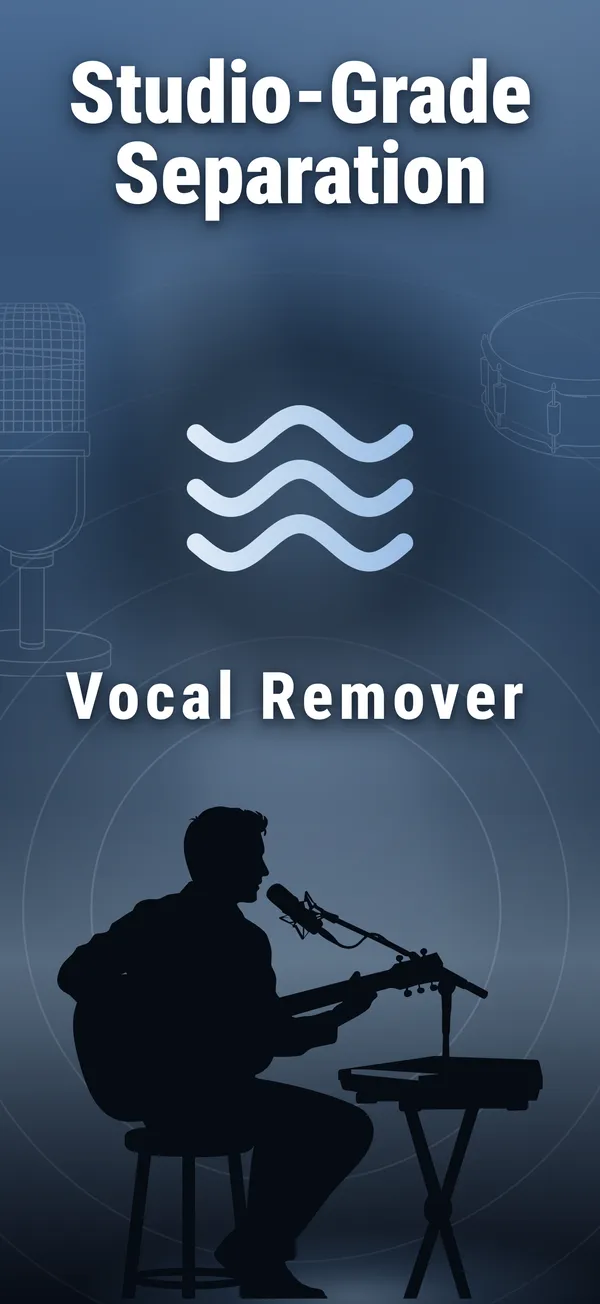
Split any song into vocals, drums, bass, guitar and piano with on-device AI — then mix, practice, and export.
Everything you need to unmix a song
From any song to six clean tracks — all on your iPhone.
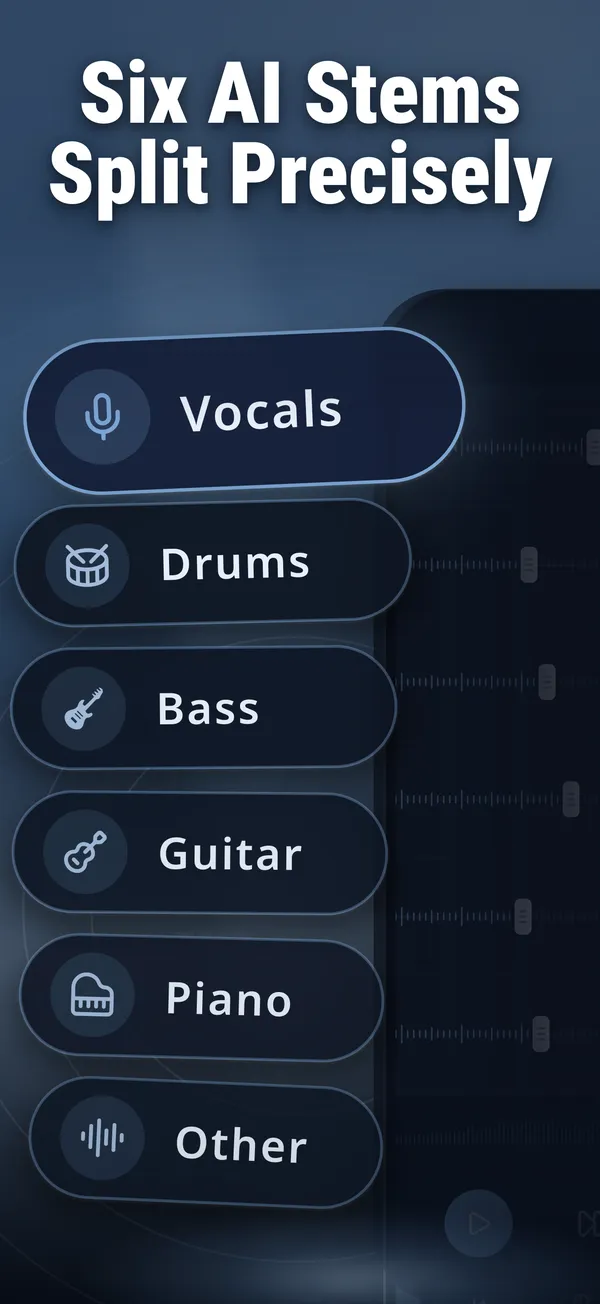
Six-stem AI separation
Vocals, drums, bass, guitar, piano and other — split any song into up to six clean tracks.
Works fully offline
The on-device engine runs entirely on your iPhone: no network needed, no song-length limits, audio never leaves your device.
Cloud Pro quality
Subscribers can run the same separation on datacenter GPUs for even cleaner results.
A real mixer
Per-track volume faders, mute and solo, with waveforms — balance the mix exactly how you want it.
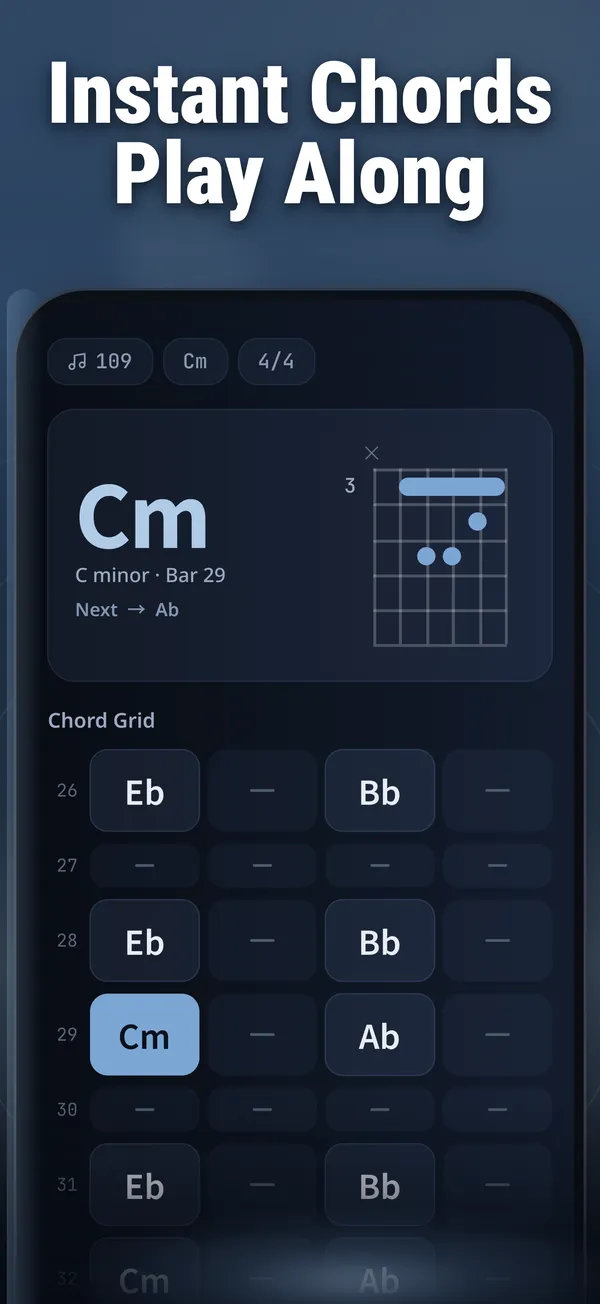
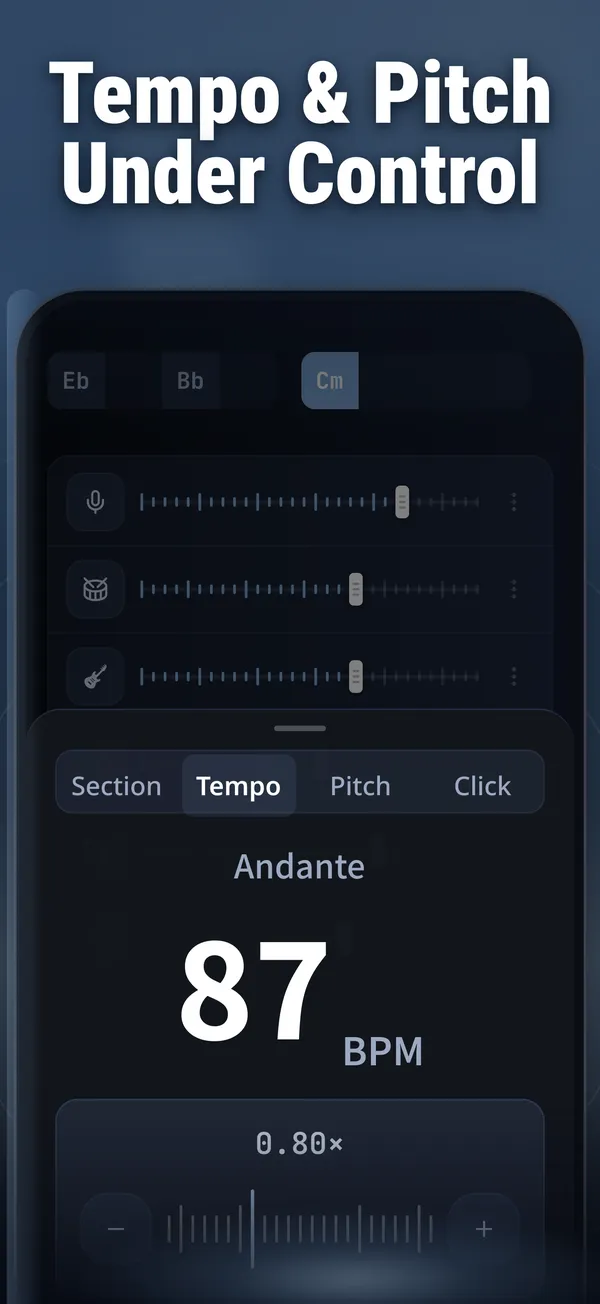
Chords and practice tools
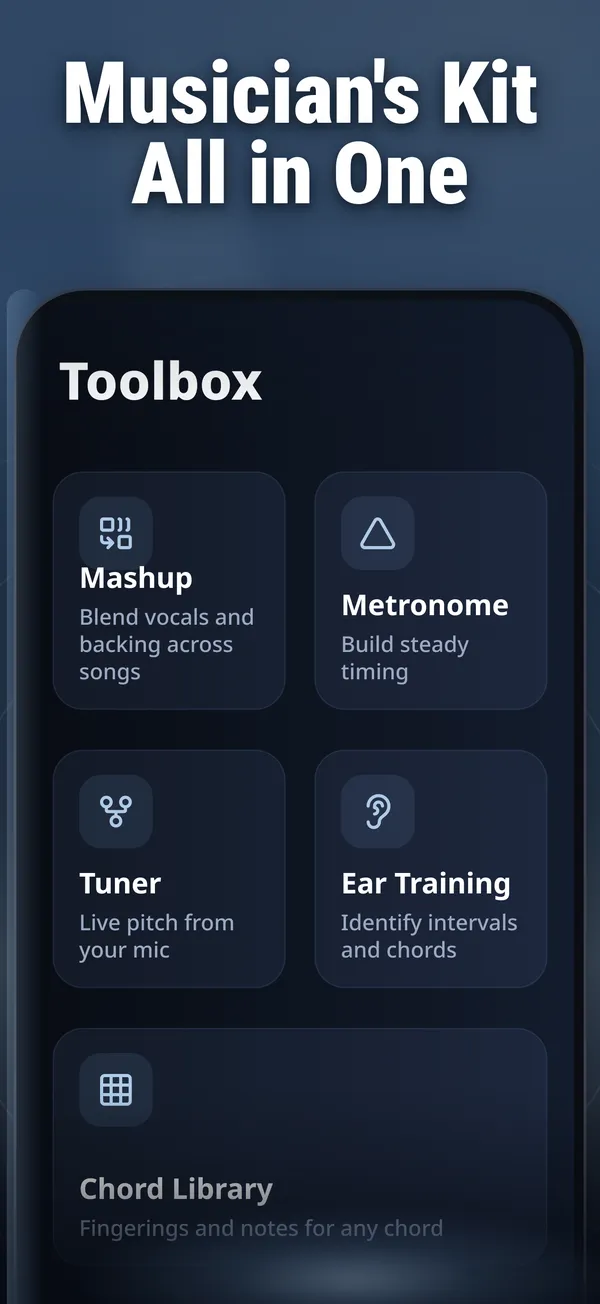
Chord charts with fingering, beat-by-beat following, tempo and pitch control, lyrics, metronome, tuner and ear training.
Import from anywhere
Files and iCloud, your music library (non-DRM tracks), microphone recording, links, or Wi-Fi transfer from any browser.
Made in three steps
Import a song
From Files, your music library, a recording, a link, or Wi-Fi transfer.
Separate with AI
Pick 2, 4, 5 or 6 stems, on device or in the cloud — results in seconds.
Mix, practice, export
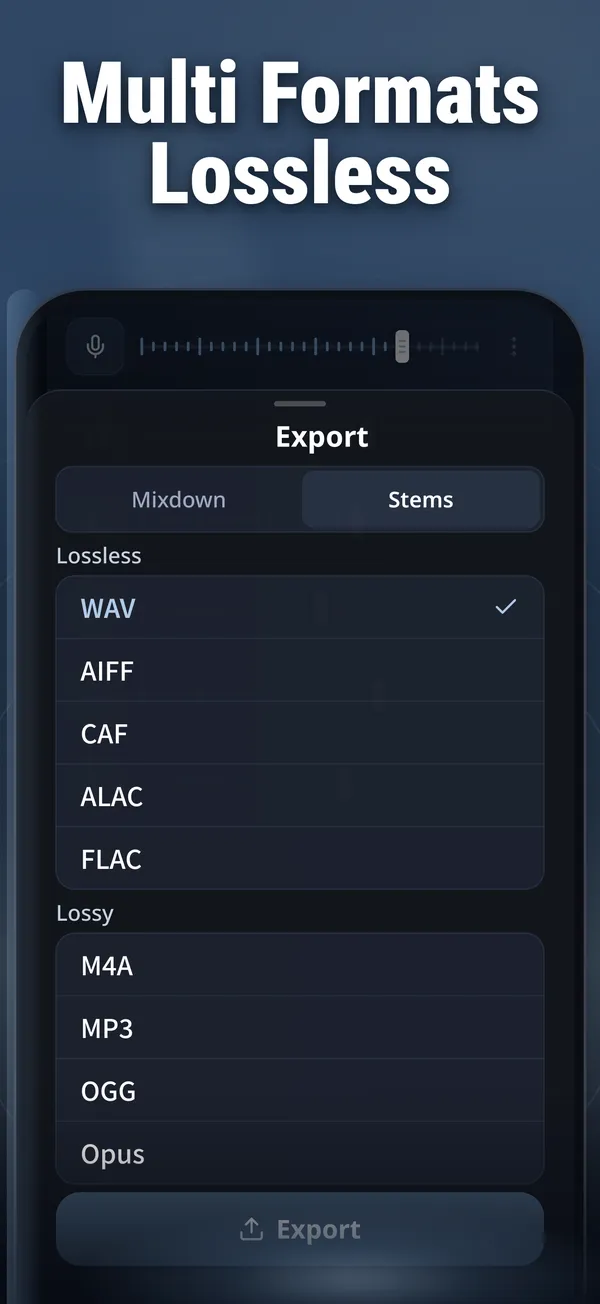
Balance the tracks in the mixer, follow the chords, then export in the format you need.
What will you separate?
Karaoke and singing practice
Remove the vocals from any song and sing over the instrumental.
Musicians
Isolate the bass, drums or guitar to learn a part note by note.
Remixers and mashup makers
Pull clean stems out of finished songs as material for your next track.
Students and teachers
Slow down, change key, and follow chord charts while you practice.
Frequently asked questions
Is Vocal Remover free?
Yes. It is free to download: you get full-quality on-device separations every month at no cost, plus lifetime cloud previews. A Pro subscription (weekly or yearly) unlocks unlimited on-device separation and the cloud engine — current plans are listed on the Subscription & Billing page.
Does it work offline?
Yes. The on-device engine separates songs entirely on your iPhone, with no network and no song-length limit. Only the optional cloud features need an internet connection.
Is my music uploaded anywhere?
In on-device mode, never — your audio stays on your iPhone. Audio is uploaded only when you choose cloud separation or a cloud preview, and it is deleted automatically within 24 hours.
Can I import songs from my music library?
Yes, as long as the tracks are not protected by DRM. DRM-protected tracks are refused and never uploaded anywhere.
Do I need an account?
No. Vocal Remover works without an account, and your files stay under your control.